SETUP PARENTAL CONTROLS

Use the step-by-step guides to get started and setup parental controls across video games, devices, consoles, apps and platforms. 

side view kid wearing headphones playing video

Time well spent

It’s important to set up your devices for your family before you start playing. Whether on a console, smartphone, tablet or PC, there are settings that enable you to stay in control alongside regular conversations.

Make time to set these things up before you gift or give a device to a young person and go through this process with them using the Power Up Pact and Conversation Guide to agree on any limits.


Level up your protection

Level up your protection beyond games

Controls on video games and devices are a great start, but once you’ve done this, you can level up your child’s safety by setting protections across social media, apps and broadband as well.

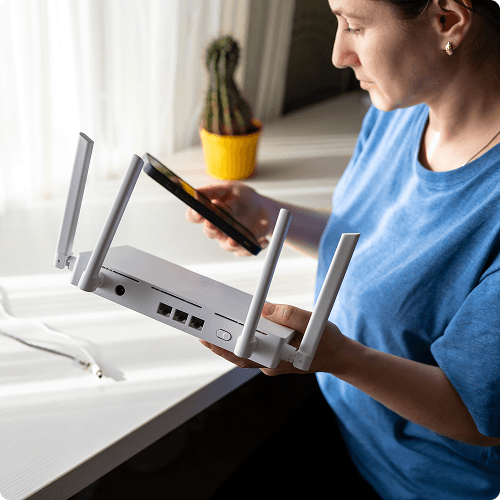
Broadband & mobile network controls

Setting controls on your broadband and mobile network can limit the inappropriate content that your child is exposed to. Blocking access to adult websites and specific sites that you deem inappropriate can improve your child’s online experience

Device settings

Within the in-built settings of your child’s device, you can manage your child’s experience by setting controls such as screen time limits, spending limits, app restrictions and content filters.

Social media controls

Most popular social media platforms enable parents to supervise their child’s activity and set limits around screen time, who they interact with and what content they see. Learn how to use these tools with step-by-step guides.

Parental controls are a great foundation but pairing them with regular conversations is what really keeps children safe.


Download the Conversation Guide to get started.